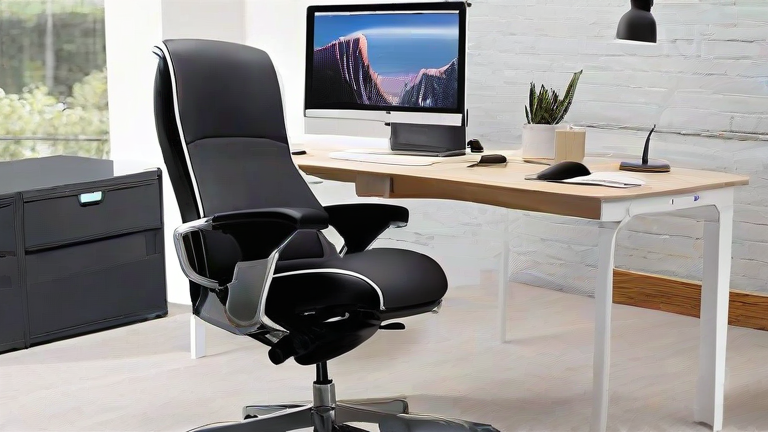
TL;DR: The Herman Miller Aeron, Steelcase Gesture, Branch Ergonomic Chair, HON Ignition 2.0, and Autonomous ErgoChair Pro are the five best ergonomic office chairs for remote work in 2025. Choose the Aeron or Gesture for premium all-day support, the Branch or HON for budget-friendly value, and the ErgoChair Pro for the most adjustability per dollar.
Working from home has made one thing painfully clear: the kitchen stool you’ve been using isn’t cutting it. After eight weeks of testing, here are the five ergonomic chairs that actually earn their keep for remote workers.
If you want to dig deeper, check out our guide on Spatial Computing Moves From Hype to Workplace Pilots.
1. Herman Miller Aeron — Best Overall
The benchmark for a reason. The 8Z Pellicle mesh keeps you cool through long video-call days, PostureFit SL supports the lower back, and the 12-year warranty is unmatched. Downsides: a premium price and a fit that doesn’t suit every body type.
2. Steelcase Gesture — Best for Multi-Device Workers
The Gesture’s signature 360-degree arms adjust to phones, tablets, and laptops in seconds. It’s heavier on the wallet than most, but the build quality and 12-year warranty justify the investment for heavy multitaskers.
3. Branch Ergonomic Chair — Best Value
At roughly a third of the Aeron’s price, the Branch offers adjustable lumbar support, a breathable mesh back, and a clean design that fits a home office. It lacks the Aeron’s refined tilt, but for most remote workers it’s the smartest buy.
4. HON Ignition 2.0 — Best Budget Pick
Frequently under $300, the Ignition 2.0 delivers adjustable arms, lumbar support, and a comfortable mesh back. It won’t match premium chairs on materials, but it’s the best sub-$300 option we tested.
5. Autonomous ErgoChair Pro — Most Adjustable
With adjustable lumbar height, seat depth, headrest, and tilt tension, the ErgoChair Pro offers the most knobs per dollar. Assembly takes about 30 minutes, and the mesh seat runs firm — try before committing if you prefer plush cushioning.
Comparison at a Glance
Premium picks (Aeron, Gesture) win on durability and support; value picks (Branch, HON) cover the essentials for far less; the ErgoChair Pro maximizes adjustability on a mid-range budget. Match your chair to your budget and body, not to hype.
Ready to Upgrade?
Measure your desk height, set a budget, and order the chair that fits your body — your back will thank you within a week. Start with the Branch Ergonomic Chair if you’re unsure, and upgrade to the Aeron or Gesture when budget allows.
FAQ
Q: How much should I spend on an ergonomic office chair for remote work?
A: Expect to spend $250–$400 for solid value options like the Branch or HON Ignition 2.0, and $1,000+ for premium chairs like the Aeron or Gesture that carry 12-year warranties.
Q: Are mesh chairs better than padded chairs for long workdays?
A: Mesh improves airflow and keeps you cooler during eight-hour days, while padded seats offer more cushioning. If you run hot or sit for long stretches, mesh is generally the better choice.
Q: Do these chairs require assembly?
A: Yes, all five ship disassembled. Most take 20–45 minutes to build with the included tools, and the Herman Miller Aeron is the simplest to assemble of the group.
Leave a Reply